Troubleshooting
Common issues and how to resolve them.
File Not Accessible
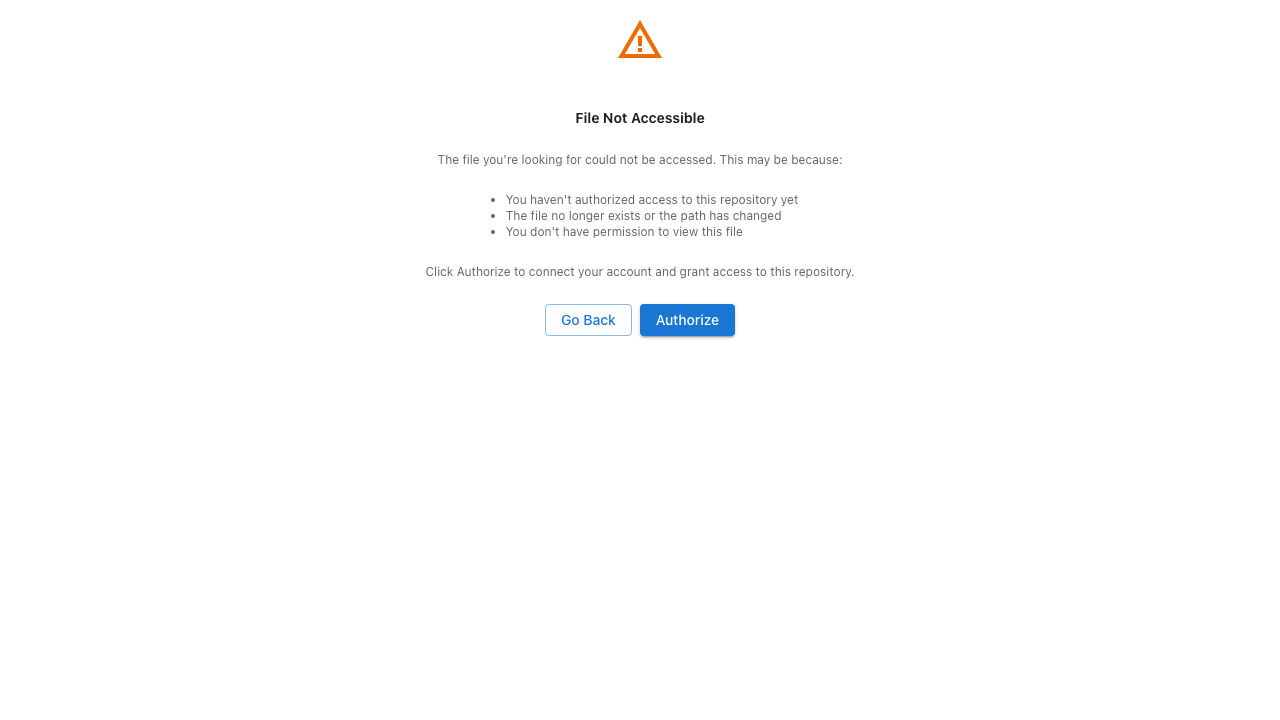
This screen appears when CodeContext cannot access the file or repository you linked. Common causes:
- You haven't authorized access yet — Click Authorize to connect your account and grant access to the repository.
- The file no longer exists or the path has changed — The file may have been renamed, moved, or deleted since the entry point was created. Click Go Back and select a new entry point.
- You don't have permission to view this file — Your Git provider account may not have access to the repository. Check your repository permissions.
General Error
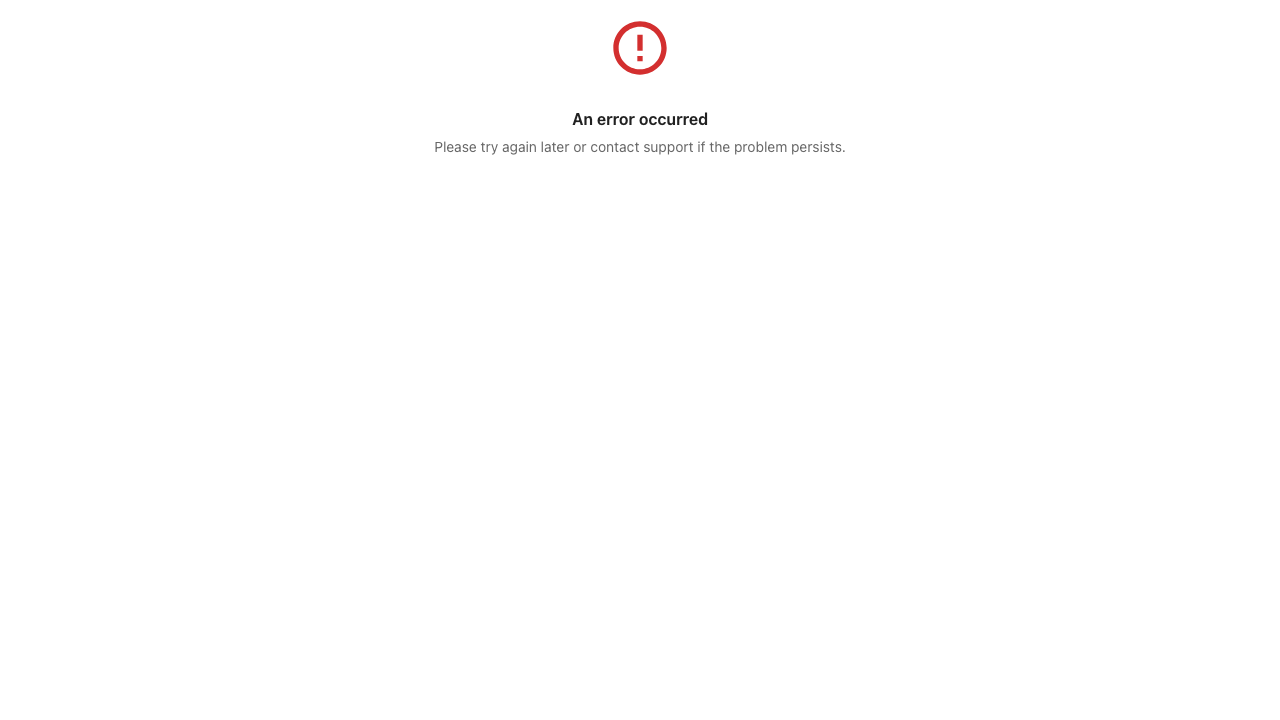
If you see a general error screen, try the following:
- Reload the panel — Close and reopen the issue, or refresh the page.
- Check your API key — Go to Settings and verify your AI provider key is configured correctly.
- Check the repository connection — Verify the repository is still connected in your project settings.
- Try again later — The issue may be temporary (e.g., GitHub API rate limits or provider outages).
If the problem persists, contact your Jira administrator.
Loading Takes Too Long
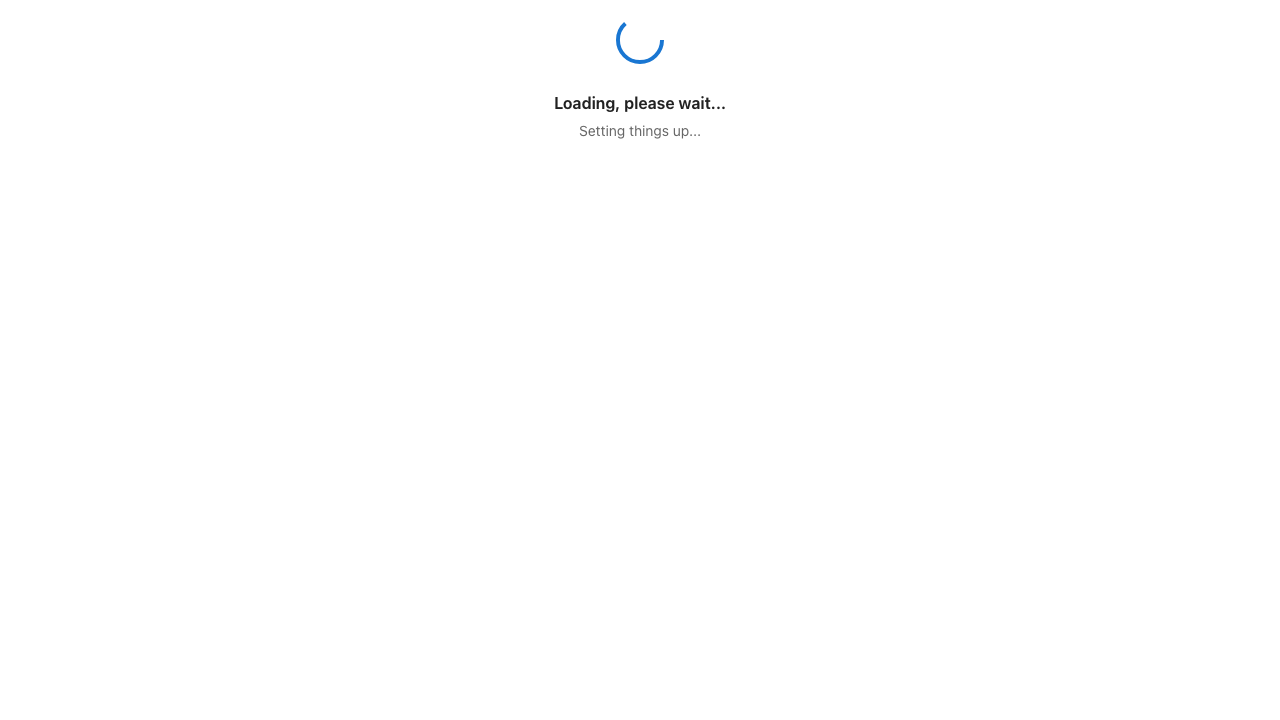
The loading screen appears while CodeContext initializes. If it persists for more than a few seconds:
- Check your network connection
- Verify that the Forge app is installed correctly
- Try refreshing the page