Settings
Configure the AI provider used by CodeContext to generate code analysis and ticket descriptions.
Accessing Settings
- Navigate to your Jira project settings
- Under Apps, click CodeContext
- Open the Settings tab
Configuration
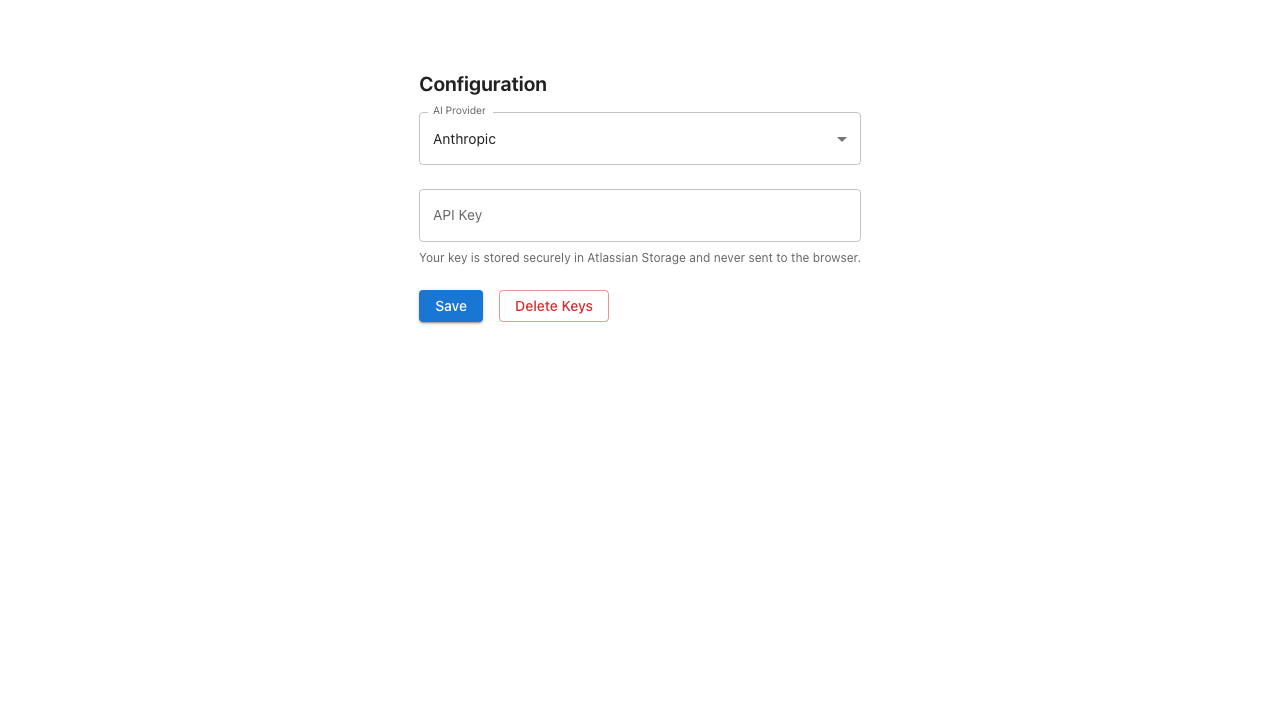
AI Provider
Select which AI provider to use for code analysis. Currently supported:
| Provider | Model |
|---|---|
| Anthropic | Claude |
| OpenAI | GPT |
API Key
Enter your API key for the selected provider. The key is stored securely in Atlassian Storage and is never sent to the browser.
To obtain an API key:
- Go to your AI provider's dashboard (e.g., console.anthropic.com for Anthropic)
- Create a new API key
- Copy and paste it into the API Key field
- Click Save
Deleting Keys
To remove a stored API key, click Delete Keys. This will remove the key from Atlassian Storage. You will need to enter a new key before CodeContext can generate analyses.
Warning
Deleting your API key will prevent all users in the project from generating new analyses until a new key is configured.