Enriching Existing Tickets
Add code context to tickets that were created without it.
When to Use
- Tickets with vague or missing descriptions
- Tickets that need more technical context
- Tickets assigned to a developer unfamiliar with the codebase
Steps
- Open an existing ticket
- In the CodeContext panel, paste the repository URL for the code location
- Add a description of the change you want to make
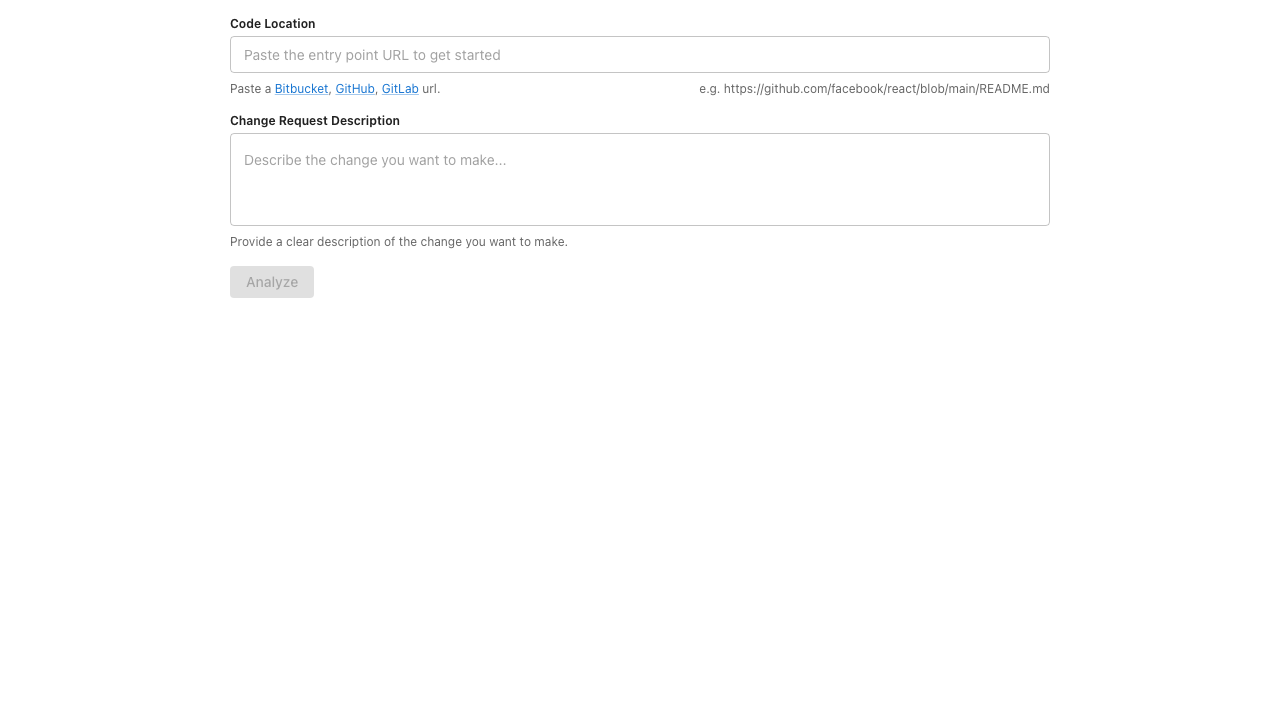
- Click Analyze to generate a code analysis
- Review the AI-generated analysis and edit if needed
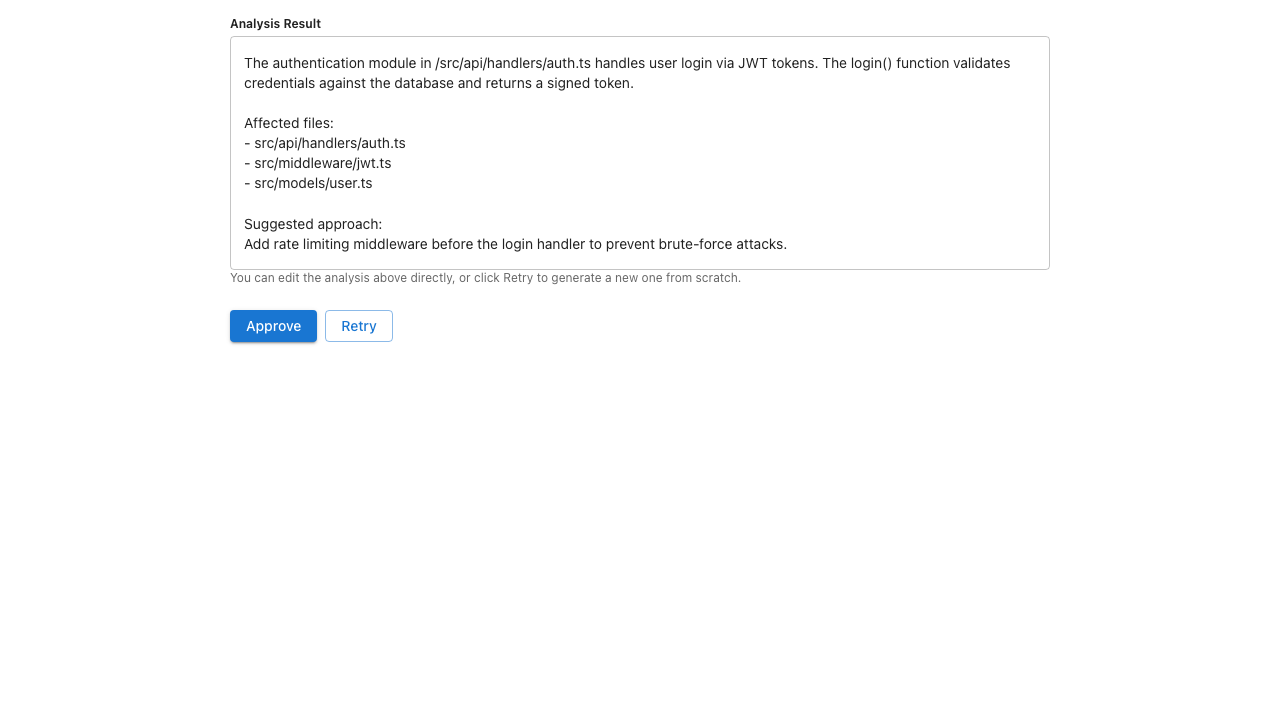
- Click Approve to post the analysis to the ticket
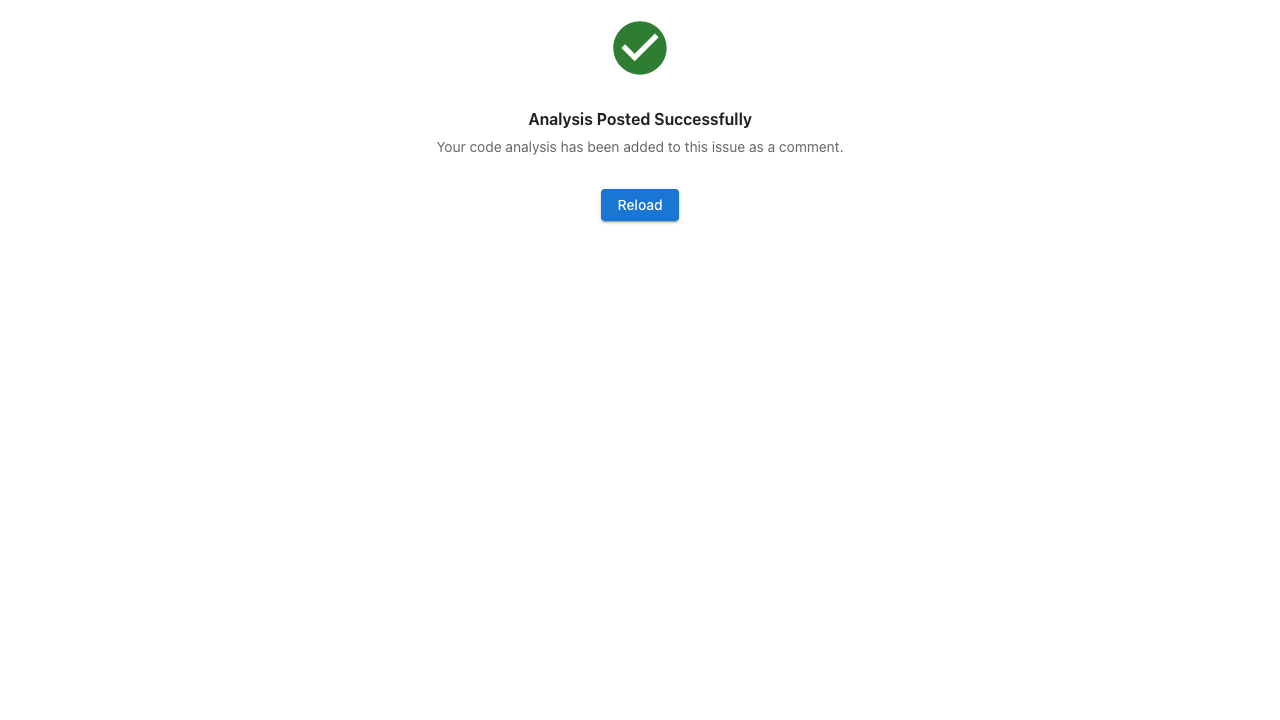
The analysis is added to the issue as a comment, and the entry point is linked for future reference.
Note
The original description is preserved. The AI-generated content is appended, not replaced.